The reality of digital life right now is that everyone is competing for attention that gets more fragmented by the day. Nonprofits have a real opening here because they’re approaching people differently than corporations do.
Companies are trying to move product, to get someone to buy something they probably didn’t need an hour ago. Nonprofits are asking people to buy into a vision instead, a better world or a fairer shot for someone who needs it. That kind of ask requires trust, and trust requires a real presence online, not just a website that hasn’t been updated since last year.
Social media is no longer optional for nonprofits. It’s how many organizations reach supporters, especially with limited resources. But too many groups post without a plan—just random updates or whatever photo turns up. That approach leads to burnout among staff and volunteers, and it leads to minimal engagement from the people who follow them. While some organizations try to manage everything themselves, many find success by partnering with professionals. You could even outsource social media marketing to experts who specialize in this kind of work, ensuring your message is heard above the noise.
In this guide to social media marketing for nonprofits, we’re focusing on building something different—a presence that actually serves your mission instead of becoming another chore on the list.
Why Social Media Marketing for Nonprofits is Essential
Here’s the basic question. Why spend time on social media when there’s actual work to do? Because your organization runs on community support. Animal rescue, food assistance, and medical research—none of it happens without people who believe in the mission and back it up with money or time.
Traditional marketing is expensive. Billboards and mailers cost money that could fund actual programs. Social media removes that barrier. You can post videos and text for free. Plus, younger generations are always on their phones. That’s where they’ll actually see you.
Community building is another piece. People don’t just want to donate and forget about it. They want to feel involved. Social media creates space for that. They see updates, they react, they share. When someone shares your post, they’re endorsing you to everyone they know. That kind of recommendation is more valuable than advertising.
Cost effectiveness matters when budgets are tight. Traditional marketing takes money you may not have. Social media takes time and strategy, but no cash. A small local organization can present itself just as professionally as a large international one. Same platforms, same opportunity to connect.
How to Set Goals for Social Media Marketing for Nonprofits
A lot of groups post without a real plan and measure success by likes or comments. Those numbers feel good, but don’t mean much because a hundred likes isn’t a hundred donations. You need goals that tie back to your actual work.
Ask what your organization needs right now. More awareness? More event attendees? More recurring donations? That answer drives your social media strategy.
The SMART framework keeps things grounded—Specific, Measurable, Achievable, Relevant, Time-Bound. Run every potential goal through that filter.
For nonprofits, goals usually fit into three buckets:
- Awareness goals. More visibility for your cause. Example: a twenty percent increase in video views on your documentary series in Q3. You’re just introducing yourself at this stage;
- Engagement goals. More interaction and connection. Example: grow the Facebook Group by five hundred active members by year’s end. Engagement builds community over time;
- Conversion goals. More action from followers. This is the priority for social media marketing for nonprofits because it produces real results. Example: one hundred new monthly donors from Instagram by December. Or three hundred volunteers for the spring campaign. These goals directly support your mission.
Goals come first. Then you can figure out what content supports them. Want more conversions? Make sure your posts have clear calls-to-action like “Donate Now” so people know what to do.
How to Choose the Right Platforms for Social Media Marketing for Nonprofits
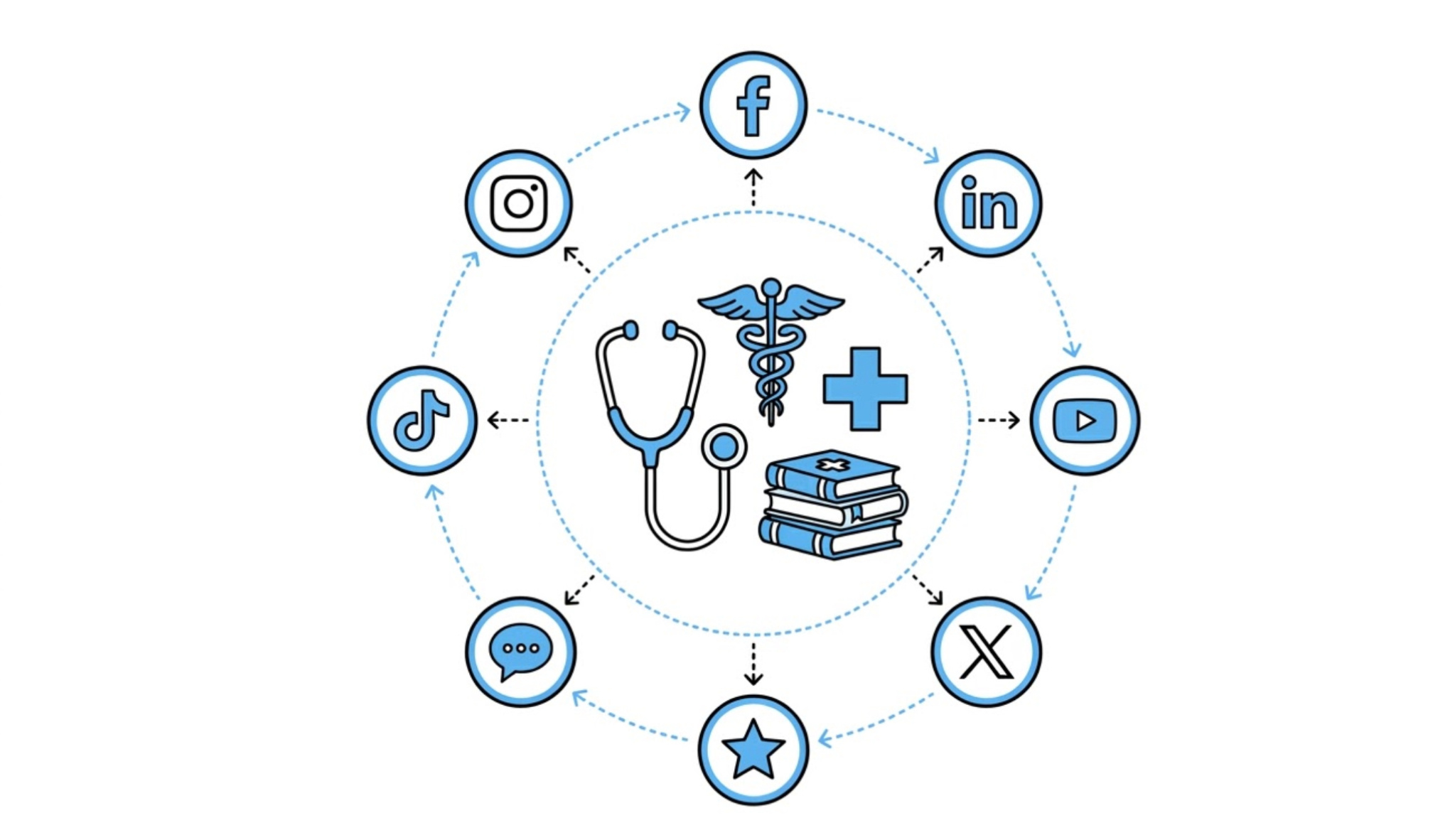
Stop trying to do everything. For a nonprofit, a scattered social media presence is a drain on resources. Your platform choices should be strategic decisions based on audience location and your team’s actual content capabilities.
- Facebook is your fundraising and community hub. It is effective for engaging older supporters and managing groups;
- Instagram is for storytelling through images. If your work is photogenic, this platform is non-negotiable for daily engagement;
- LinkedIn is your business development space. It is where you find corporate partners and qualified board members. Partnering with one of the leading social media marketing agencies can help you create a professional presence on these platforms without overextending your internal team;
- TikTok is for audience building with Gen Z. Authenticity matters more than production value here;
- X is strictly for advocacy and rapid response. If you don’t do policy work, you likely don’t need it.
Content Strategy in Social Media Marketing for Nonprofits
Content drives engagement. A good rule to follow is the 80/20 split: 80 percent of your posts should offer value, tell stories, or build community. The other 20 percent can ask for donations directly.
Don’t just tell people what you need. Show them. Instead of “We need money for food assistance,” post a video of someone actually handing out a meal. Add a line about what a specific donation covers. That gives people something to connect with.
Some content just works better than others. Impact stories with real people, photos, and quotes make your work feel tangible. Behind-the-scenes footage adds a human touch. Reposting what your supporters share gives you social proof. Educational infographics help people understand the issues you’re working on.
Common Mistakes in Social Media Marketing for Nonprofits
Nonprofits often undermine their social media results with a few common mistakes. Asking for money constantly is the fastest way to lose engagement. When every post is a request, followers tune out. They need to feel like partners, not just funding sources. Provide value before you ask for donations.
Ignoring commenters is another problem. Social platforms are for conversation, not monologue. When people take time to engage and get no reply, your organization looks disconnected.
Posting inconsistently also hurts performance. Disappearing for weeks after a burst of activity confuses both the algorithm and your audience. Regular posting builds trust over time.
Finally, avoid vague endings. Never assume people know what to do next. Every post needs a clear call to action, whether that is answering a question or clicking a link.
What Metrics Matter in Social Media Marketing for Nonprofits
If you need to convince your board or director that social media is worth the time, you have to bring data. Just don’t fixate on likes.
- Engagement Rate: Likes, comments, shares divided by reach. This tells you if people actually care about what you’re posting. High engagement usually means your storytelling is landing.
- Click-Through Rate (CTR): Tracks how many people clicked your link, whether it’s in your bio or a “Donate” button. Good way to check if your call to action is working.
- Conversion Rate: Of everyone who clicked, how many actually donated or signed up? This is the one that connects your efforts to real outcomes.
- Amplification Rate: How often followers share your content. When someone shares, they’re putting their own name behind your message. That matters.
To track these metrics effectively and monitor performance across platforms, consider using one of the best social media monitoring tools to understand engagement trends and measure the real impact of your campaigns.
Top Tools for Social Media Marketing for Nonprofits
Managing multiple social accounts while running programs on the ground is tough. These social media marketing tools can help lighten the load.
- Canva (Free/Pro): You don’t need a graphic designer to create decent posts. Canva has templates for all kinds of social media content. They also offer a nonprofit discount for their Pro version, so it’s worth checking out;
- Buffer / Hootsuite: These let you schedule posts in advance—think weeks or even a month’s worth of content in one sitting. That way, your accounts stay active even when you’re busy with other work;
- Bitly: Shortens links and tracks clicks. Useful for seeing how many people actually click from your Instagram bio to your donation page or website;
- Google Analytics: Shows you where your website traffic is coming from. You can see which social platforms are driving the most visitors and potential donors;
- Later: Works well for Instagram. It’s a visual planner that lets you drag and drop photos to see how your grid will look before you post.
You don’t need to use every tool available. Just pick one or two that help save time and stick with them. Small improvements to your social media routine can help you reach more supporters and stay focused on your programs.